How Restaurant Billing Software Works: Beginner’s Guide
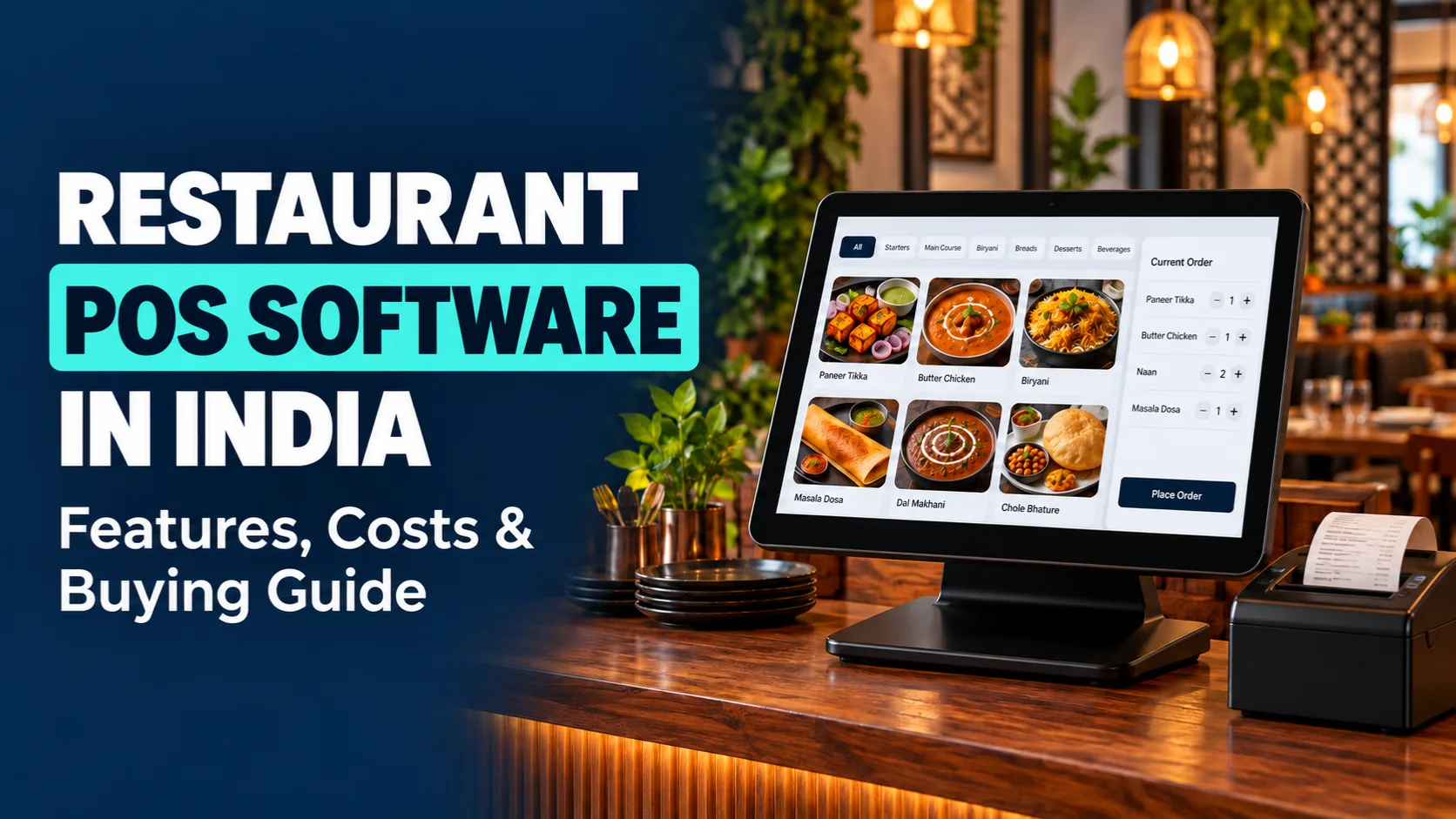
A restaurant has many moving parts. Staff take orders, send food to the kitchen, make bills, collect money, and track tables. Restaurant billing software puts these tasks in one place. It helps staff move from order to payment with less repeated work. A restaurant POS system can also link billing with KOTs, stock, tables, QR menus, and reports. The basic flow is simple. An order is entered once, then moves through the kitchen, billing, payment, and sales record.
What Is Restaurant Billing Software?
Restaurant billing software is a digital tool for taking orders and making bills. It can add taxes, discounts, and payment details. It also saves each sale for later review. Many tools connect billing with the kitchen, tables, stock, and online orders. This helps staff run the restaurant billing process from one screen.
How Does a Restaurant Billing System Work Step by Step?
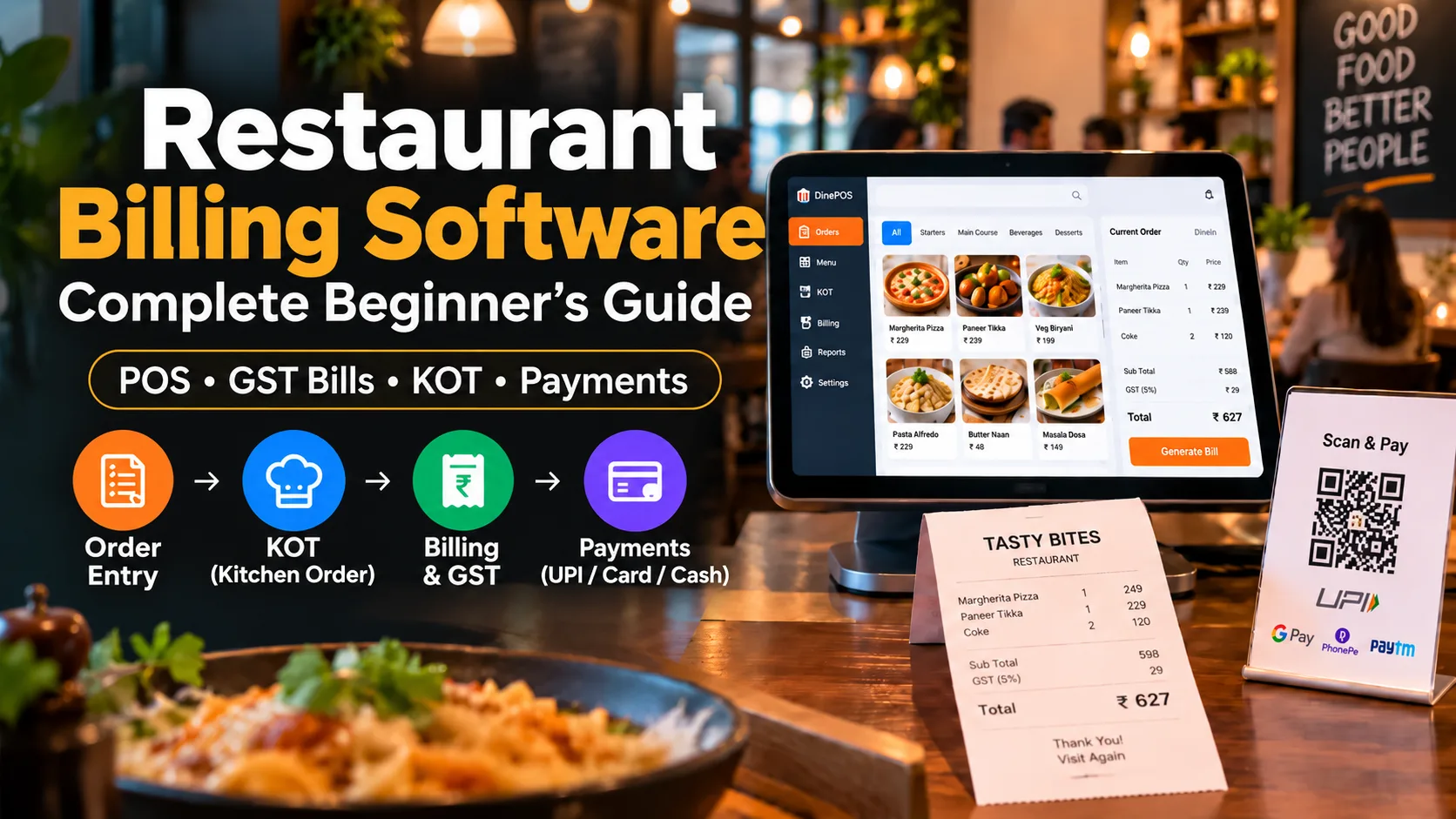
Most systems follow six basic steps:
- Create the order: Staff pick a table or order type and add menu items.
- Send the KOT: KOT billing software sends a Kitchen Order Ticket to the kitchen.
- Update the order: Staff can add items, change quantity, or remove an item when allowed.
- Make the bill: The system adds the item total, discount, tax, and final amount.
- Take payment: Staff record cash, card, UPI, or another linked payment method.
- Save the sale: The order is stored in reports. Stock may also update if that feature is set up.
Example: a guest orders two meals and one drink. The waiter enters them once. The kitchen gets the KOT. At payment time, the counter opens the same order and makes the bill.
How Does GST Billing Work in Restaurant Software?
Restaurant billing software with GST can help add tax and show invoice details in a set format. The setup must match the restaurant’s GST status and tax treatment. Under India’s CGST Rule 46, a tax invoice must show set details, including the supplier, invoice number, date, description, taxable value, tax rate, and tax amount.
The software helps with math and records. It does not replace tax advice. Owners should check GST rates and bill settings with a qualified tax professional.
What Else Can Billing Software Manage?
Billing software for restaurants may also help with daily tasks beyond the final bill.
- Table management software: Track free, busy, or booked tables.
- QR code ordering system: Let guests view a menu or place an order by phone.
- Online order management: Keep takeaway and web orders in one flow.
- Restaurant inventory management: Track stock and key items.
- Digital payment integration: Record or collect online payments.
- Reports: Review sales, payments, expenses, and order history.
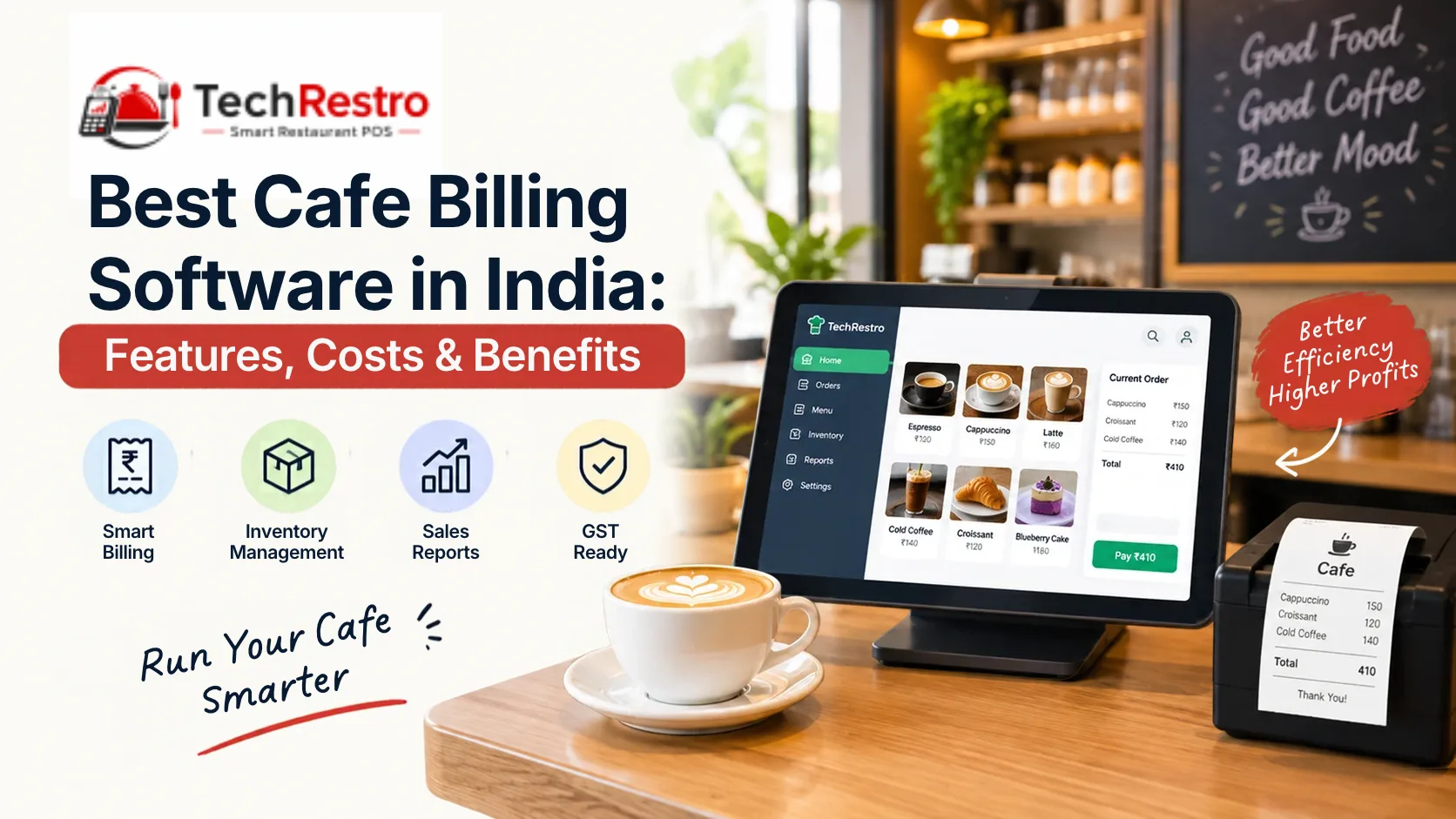
TechRestro currently lists POS, KOT, bill printing, inventory, table reservations, QR menus, payment gateway integration, and reports on its website.
What Should a Beginner Check Before Choosing Software?
Start with your real work. A small café may need quick billing, KOTs, payments, and simple reports. A larger outlet may need table tracking, staff roles, stock tools, and deeper reports.
Check order flow, payments, printer setup, reports, support, and tax settings. Also test how easy it is for staff to learn. TechRestro currently offers a seven-day trial, which can help teams test the workflow before choosing a paid plan.
Final Thoughts
Restaurant billing software can make daily restaurant operations simpler by connecting orders, KOTs, billing, payments, tables, and reports in one system. The best restaurant billing system is not the one with the most features, but the one that matches your actual workflow and is easy for staff to use. Before choosing a platform, test its billing speed, GST settings, payment options, inventory tools, and support. A well-planned restaurant POS system can reduce manual work and give owners a clearer view of everyday operations.